Overview - Playbooks
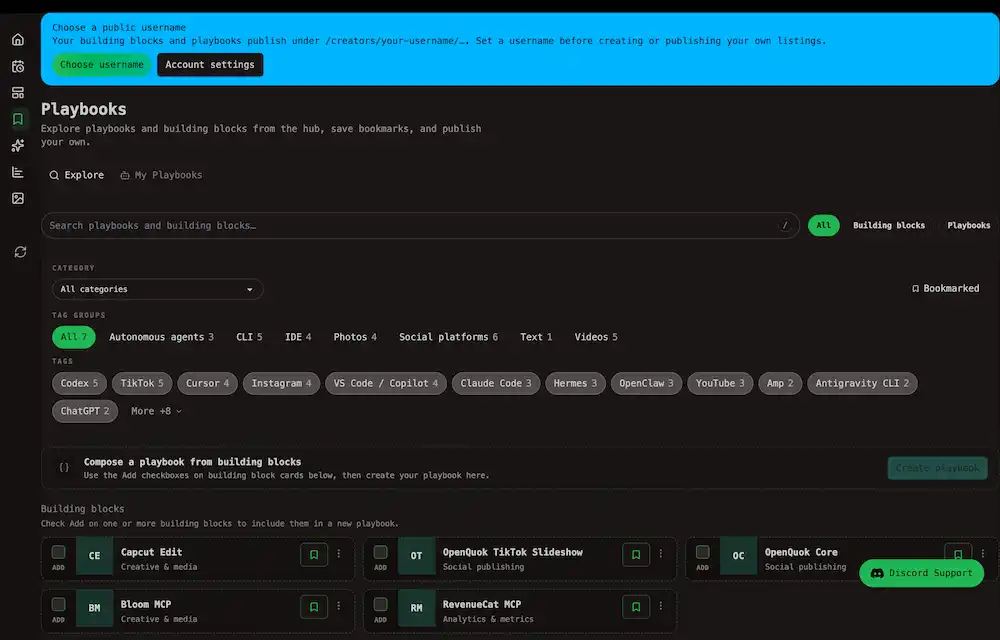
Browse agent building blocks and playbooks, save bookmarks, and manage your own catalog listings from the account Playbooks page.
Connect your agent today
Draft from chat, review in your calendar, and publish only what you approve.
Playbooks
Discover skills and MCP servers on the public hub, compose them into playbooks, and publish your own playbook as a listing .
Open Playbooks in the account sidebar at /account/playbooks. The page has two tabs:
| Tab | What you do |
|---|---|
| Explore | Search the public catalog, filter by category and tags, bookmark favorites, and start a new playbook from selected building blocks |
| My Playbooks | See your drafts and published listings, open editors, and track hub views and clicks |
Note
Building block = one installable skill or MCP entry. Playbook = a curated stack of building blocks with a shared workflow. Full definitions are in the Glossary and Listing types explained.
Public hubs vs your account
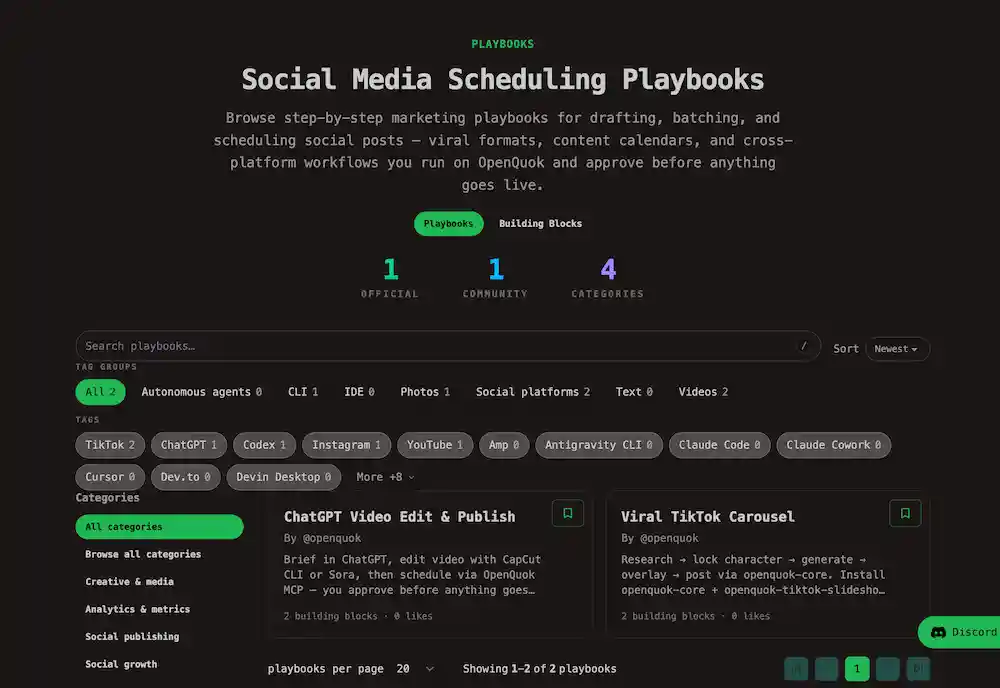
Visitors browse the public catalog at Playbooks and Building Blocks.
While your account page is where you save bookmarks, compose stacks, and edit what you publish under /creators/your-username/….
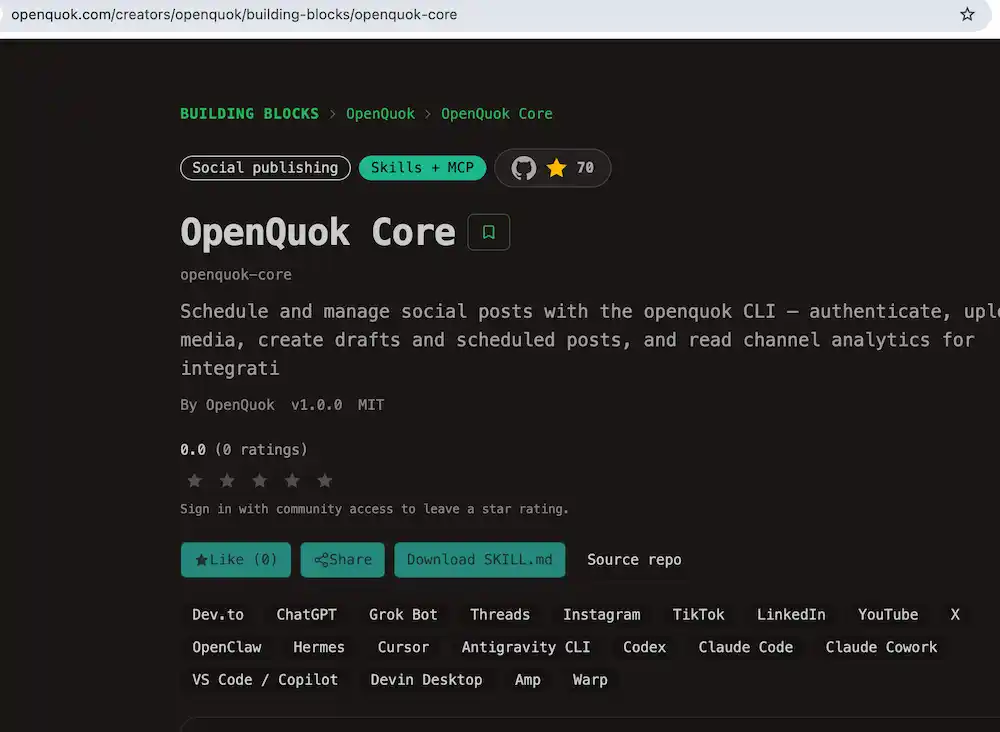
To schedule posts from an agent after you install a block, connect OpenQuok Core — the official skill and MCP bundle for the CLI and workspace API:
- Hub listing: OpenQuok Core on the Building Blocks hub
- Skill source: openquok-core SKILL.md
- Agent onboarding: CLI getting started and MCP getting started
Before you publish
You need a public username before a listing can appear under your creator URL. The page shows a banner with Choose username when that step is still open. See Profile and Publish via the UI.